
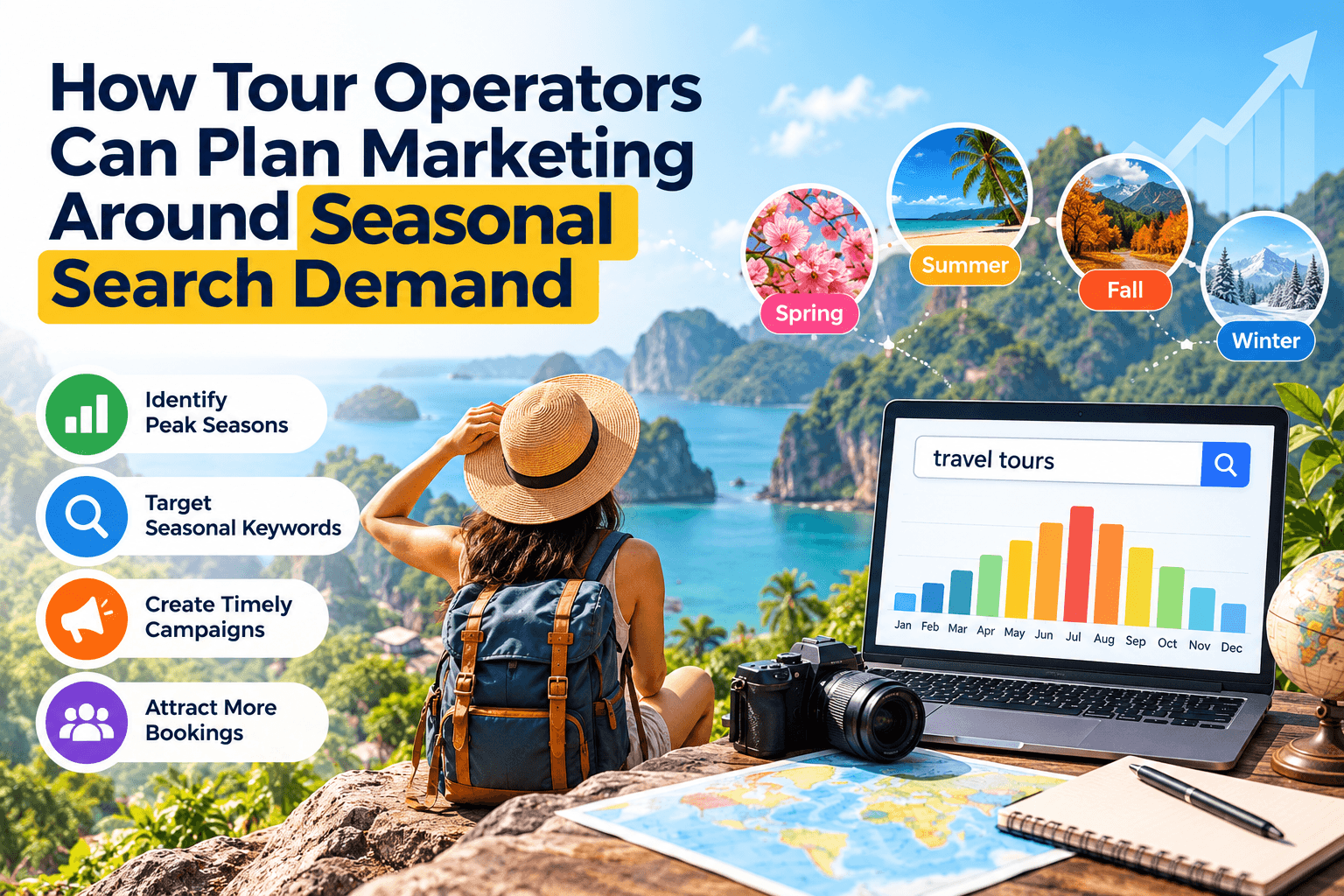
A kayak tour company in Maine starts promoting summer trips in June, the same month its season opens. By then, many visitors have already booked their activities. Meanwhile, the company’s website still shows last year’s fall foliage tours as the top item.
Travel businesses live and die by seasons. Knowing when people start searching for your type of tour lets you update listings, content, and offers before demand peaks, not after.
Find Out When People Start Planning
Google Trends is a free tool that shows how search interest in a topic changes over time. Type in phrases like “whale watching tours” or “Maine kayak tours,” set the location to your state or the US, and look at the last five years. You will often see interest rise weeks or months before the season starts.
Trends shows relative interest on a scale of 0 to 100, not exact search volumes. It works best for spotting patterns, such as interest climbing in March for summer trips or spiking right before a holiday weekend. Compare a few related phrases, since travelers may search for the activity, the destination, or both.
Build a Seasonal Calendar
Turn those patterns into a simple calendar. Plan to update your website, Google Business Profile, and listings a few weeks before interest begins rising. Write or refresh pages about upcoming seasonal tours, add new photos, and post updates about booking windows. Share the calendar with anyone who helps with marketing, so updates happen on time even during busy weeks.
Plan the slow months too. If interest drops after Labor Day, use that time to gather reviews from summer guests, update photos, and prepare content for next season. Off-season months are a good time to fix listing details you never had time for in July.
Line Up Listings and Offers With the Calendar
Seasonal businesses often change hours, departure times, and tour lineups. Update every platform at once when your season opens and closes. Mark your profile with special hours for closures, and say clearly when bookings open for the next season.
Tour companies listed in the Travel and Tour category on AddSocial should add that listing to their seasonal checklist. Refresh your AddSocial description with the tours you are currently running, so travelers browsing ahead of their trip see what is actually available.
Market Ahead of the Season
Seasonal demand often starts well before your first tour departs. Use Google Trends to see when travelers begin searching, build a calendar around those patterns, and update your website, profiles, and listings like AddSocial ahead of each season. Being ready when people start planning beats catching up after they have booked.